Robotic process automation for the gaps APIs can’t fill.
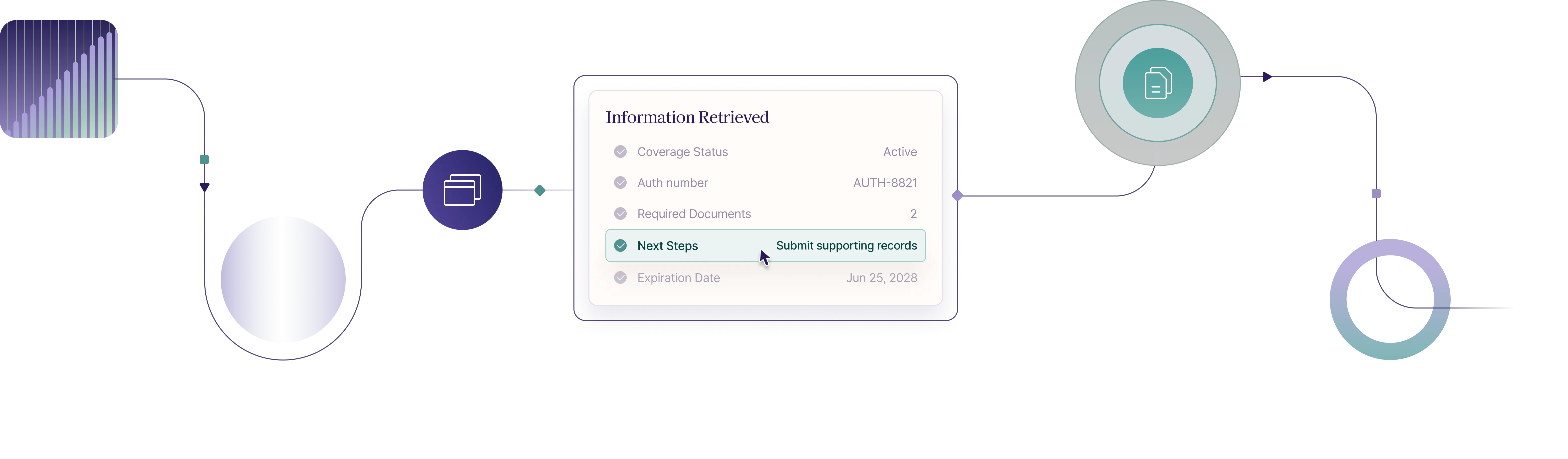
Payer portal automation for the work that still lives behind the login.

Portal automation that fills the gaps digital checks leave behind.

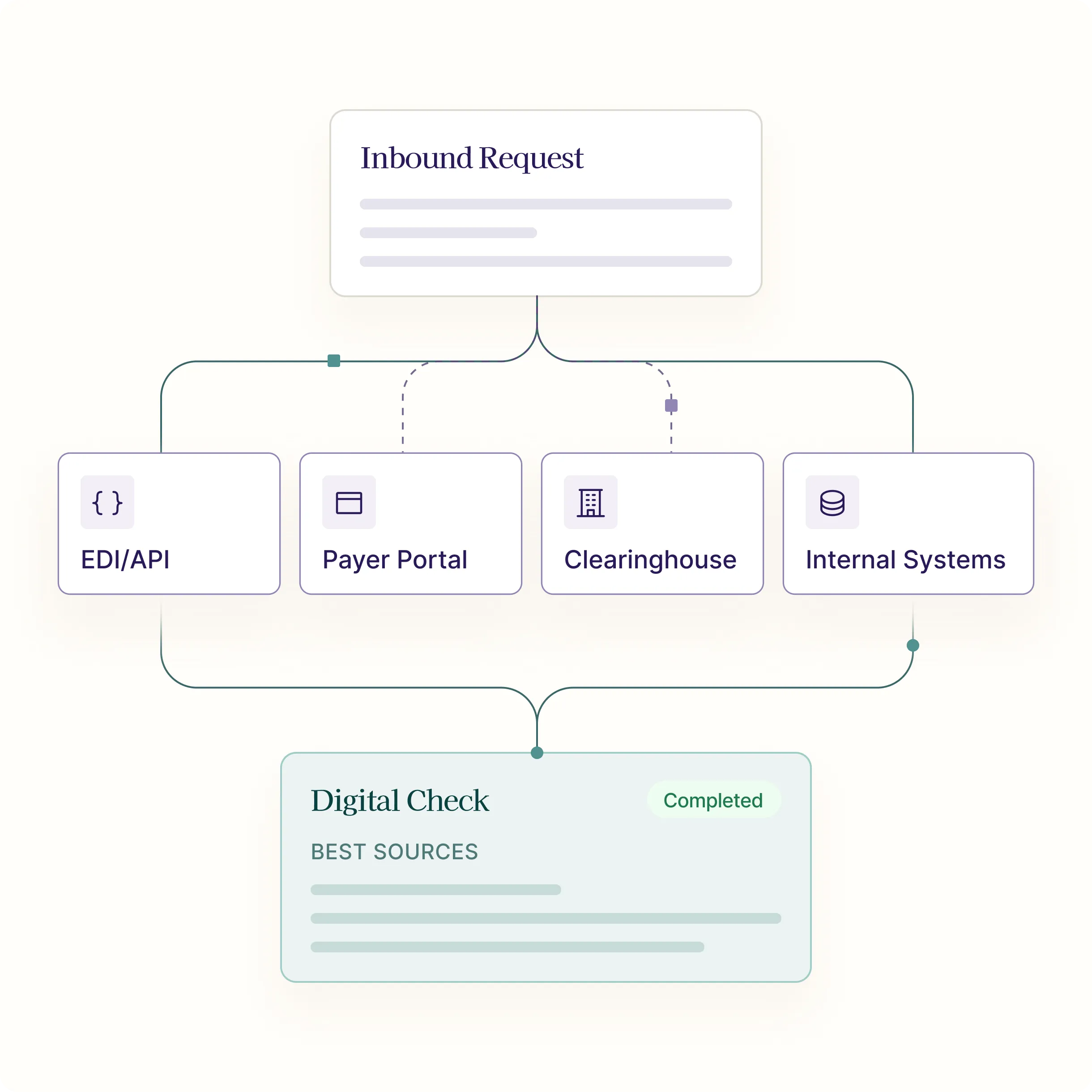
When EDI, APIs, and clearinghouse responses do not return the full answer, SuperDial RPA steps in. Our browser automation logs into payer portals, navigates the same workflows your team uses today, retrieves missing data and documents, and returns structured, auditable results back into your operations.

Built for real payer portal work.

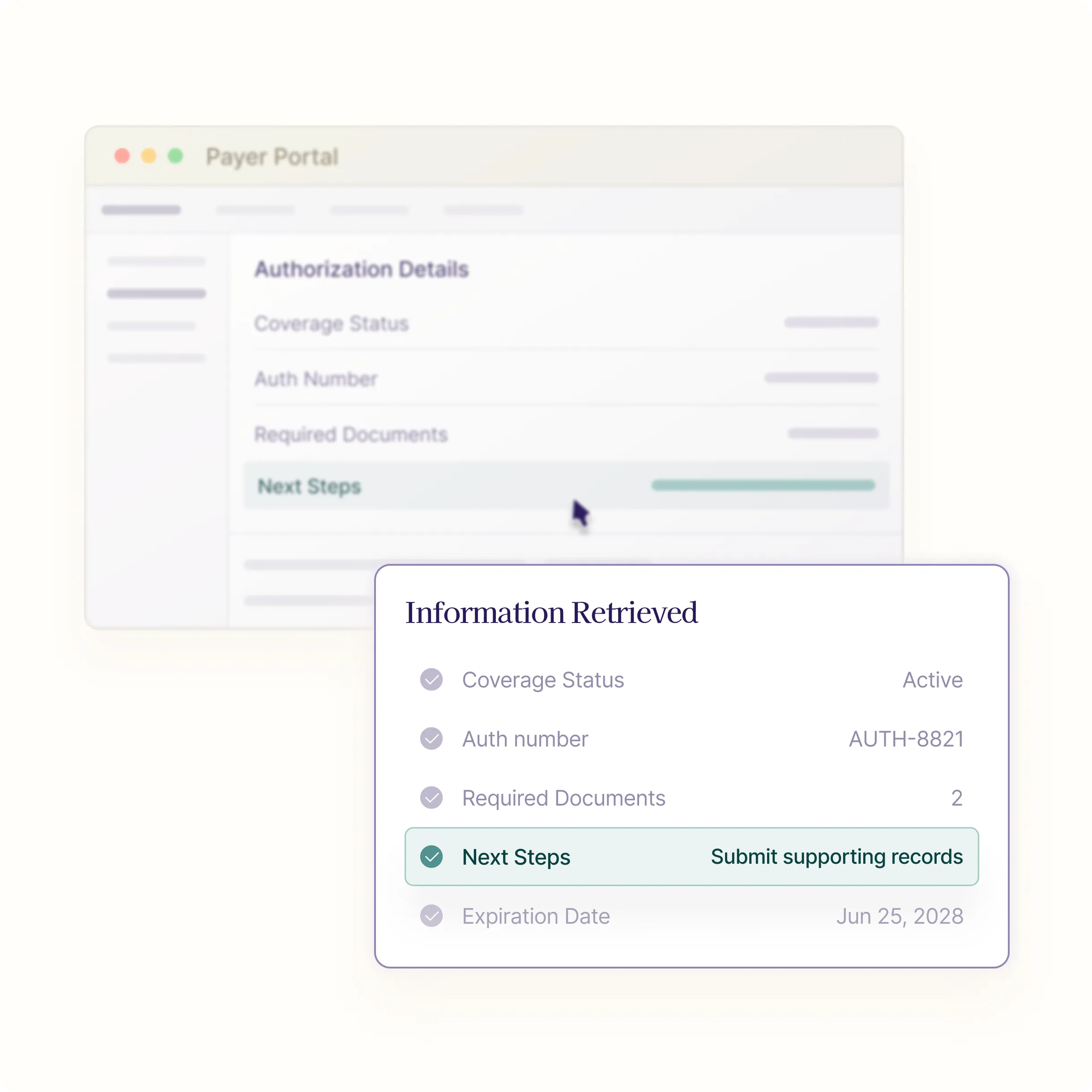
Payer portals are messy—and no two work quite the same. SuperDial’s RPA is built for that reality. It navigates payer-specific login and supported MFA flows, selects the correct provider group, matches NPI/TINs, searches for members and claims, retrieves eligibility, claim, and authorization details, uploads and downloads documents, captures confirmation numbers, and recovers from session timeouts and portal changes.

Instead of asking analysts to copy, paste, download, re-key, and screenshot their way through repetitive portal work, SuperDial turns those actions into repeatable, monitored workflows.

What SuperDial RPA does.

01
Portal navigation at scale
Log into payer portals, select the right provider group, search by member ID, claim ID, DOS, NPI, TIN, or authorization number, and navigate to the relevant eligibility, claim, auth, or remittance screen.
02
Document retrieval
Download EOBs, remittance PDFs, claim letters, authorization confirmations, proof-of-submission files, appeal documents, and other payer artifacts, then attach them to the correct transaction.
03
Field extraction
Parse portal pages, PDFs, and downloaded documents into structured fields like deductible remaining, copay, coinsurance, allowed amount, denial reason, check / EFT details, auth status, expiration date, missing items, appeal instructions, and payer reference numbers.
04
Form and upload automation
Complete portal forms, submit inquiries, upload supporting documentation, capture confirmation IDs, and verify that documents were accepted.
05
Exception handoffs
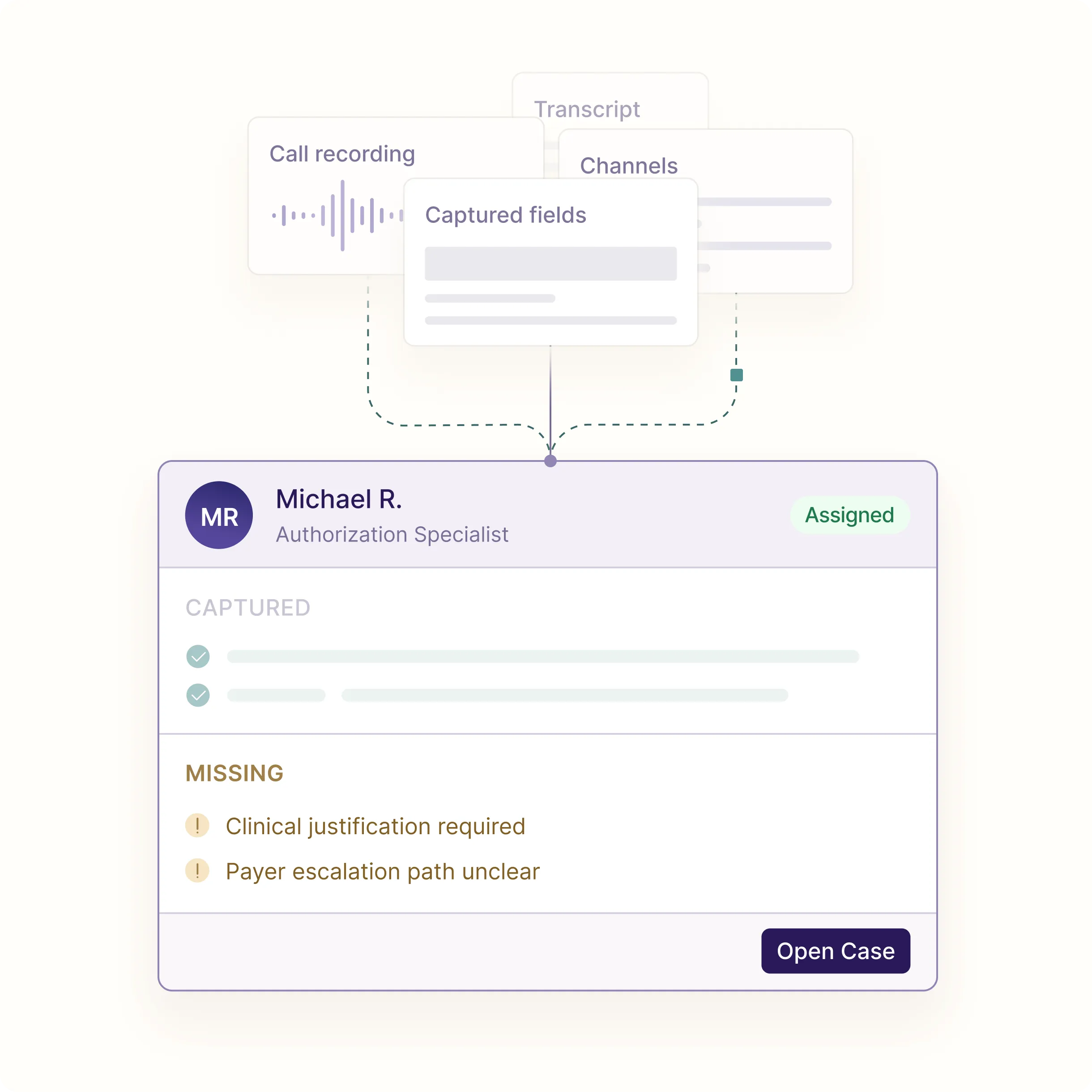
When a portal blocks automation, requires judgment, or returns ambiguous information, SuperDial captures the exact context and routes it to a human: what was searched, what was found, where the workflow stopped, and the recommended next step.
06
Secure credential handling
Manage portal access through vaulted credentials, scoped permissions, MFA handling patterns, access logs, and client-specific governance rules.
01
Portal navigation at scale
Log into payer portals, select the right provider group, search by member ID, claim ID, DOS, NPI, TIN, or authorization number, and navigate to the relevant eligibility, claim, auth, or remittance screen.
02
Document retrieval
Download EOBs, remittance PDFs, claim letters, authorization confirmations, proof-of-submission files, appeal documents, and other payer artifacts, then attach them to the correct transaction.
03
Field extraction
Parse portal pages, PDFs, and downloaded documents into structured fields like deductible remaining, copay, coinsurance, allowed amount, denial reason, check / EFT details, auth status, expiration date, missing items, appeal instructions, and payer reference numbers.
04
Form and upload automation
Complete portal forms, submit inquiries, upload supporting documentation, capture confirmation IDs, and verify that documents were accepted.
05
Exception handoffs
When a portal blocks automation, requires judgment, or returns ambiguous information, SuperDial captures the exact context and routes it to a human: what was searched, what was found, where the workflow stopped, and the recommended next step.
06
Secure credential handling
Manage portal access through vaulted credentials, scoped permissions, MFA handling patterns, access logs, and client-specific governance rules.
Integrated Portals
...and more!
how it works

How RPA fits into SuperDial’s multimodal workflow

01
Workflow initiation and input validation
SuperDial receives the work item through an API, EHR/PM integration, file upload, or client platform. It validates the required patient, provider, payer, and claim information before starting the workflow.
02
Programmatic data enrichment
SuperDial queries available EDI transactions, payer APIs, clearinghouses, and connected internal systems to gather relevant information before the call. These results provide context, resolve known fields, and help the voice agent focus on the questions that still need confirmation or additional detail.
03
Payer-portal enrichment
SuperDial uses robotic process automation (RPA) to access payer portals and retrieve additional fields, documents, statuses, authorization details, and confirmation numbers. Portal findings are added to the case context and used to guide the subsequent payer conversation.
04
Voice execution
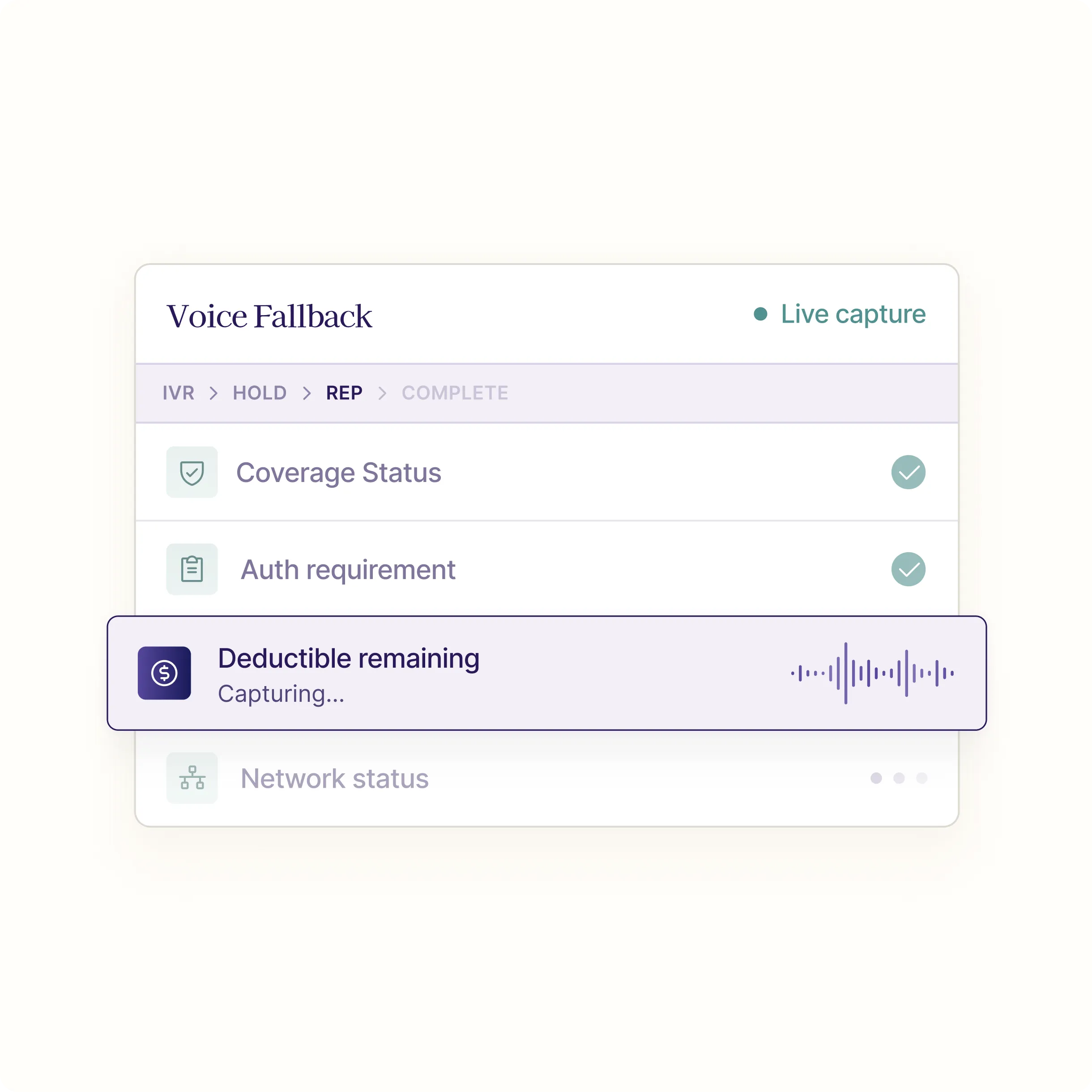
SuperDial’s voice agents call the payer with the information already collected through digital sources and portal automation. The agent navigates the IVR, authenticates the case, confirms existing information, asks targeted follow-up questions, and captures any additional details required to complete the workflow.
05
Consolidation and system update
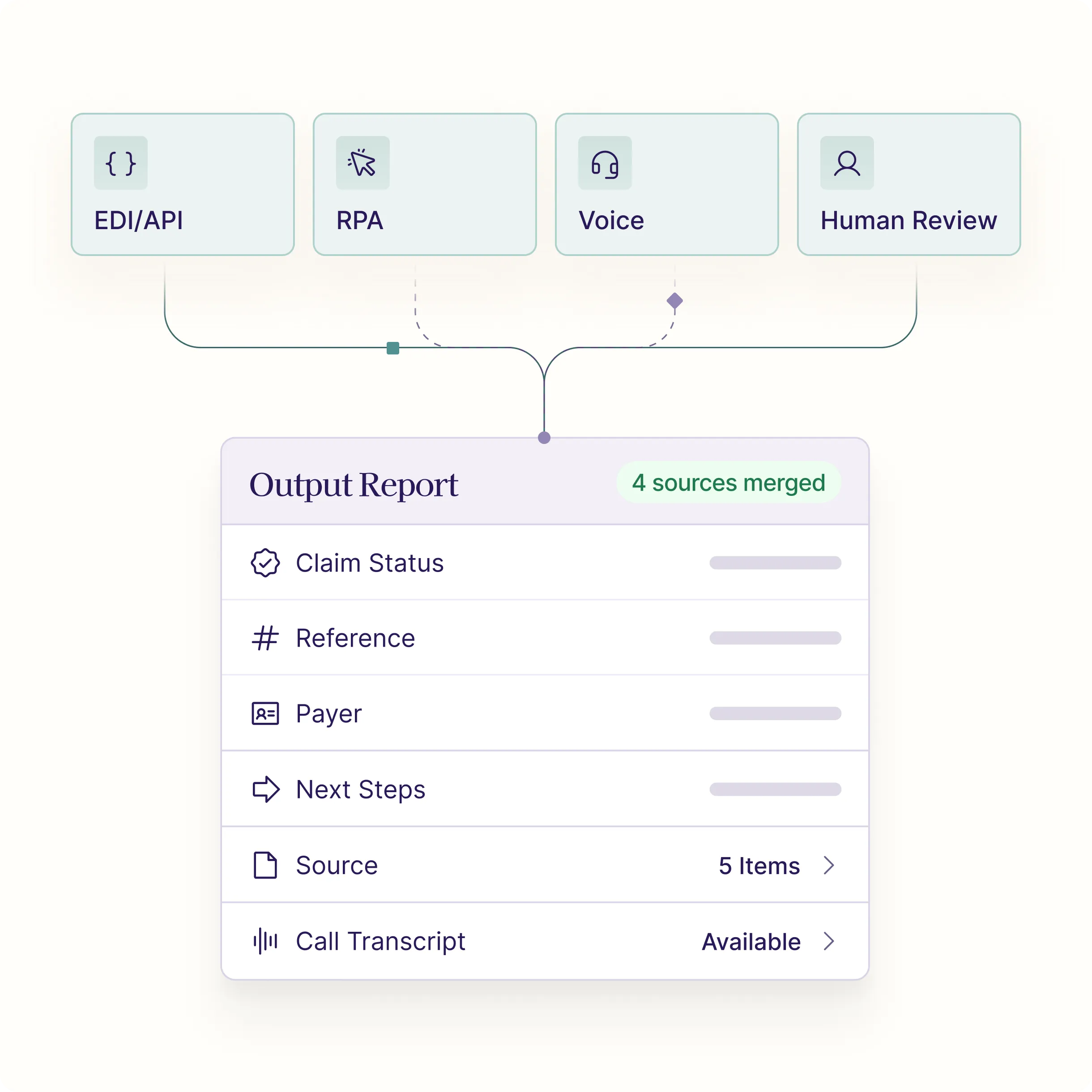
Information gathered through APIs, EDI, clearinghouses, portal RPA, and the voice call is reconciled and normalized into one structured result. The completed output is then delivered through an API, webhook, client portal, CSV, PDF, or direct EHR/PM writeback. When the destination system lacks a suitable API, RPA may also be used to complete the writeback.

Common RPA Use Cases

Claims and Remittance
Retrieve EOBs, denial letters, allowed amounts, payment details, check / EFT information, appeal instructions, and reconsideration paths.
Eligibility and Benefits
Retrieve EOBs, denial letters, allowed amounts, payment details, check / EFT information, appeal instructions, and reconsideration paths.
Prior Authorization
Look up auth status, authorization numbers, expiration dates, missing documentation, clinical upload confirmation, and next-step instructions.
Credentialing and Enrollment
Review provider enrollment status, effective dates, panel status, missing documents, payer-specific rules, and attestation requirements.
Provider Data Management
Verify directory data, locations, specialties, new-patient acceptance, and payer portal attestation status.
Pharmacy / Specialty Workflows
Check specialty drug coverage, PBM-related carve-outs, PA upload status, and portal-only pharmacy benefit information where available.
auditability

Evidence for every transaction.

Every completed RPA workflow can include structured fields, source metadata, timestamps, screenshots, downloaded documents, page-level evidence, confidence scores, and a short human-readable summary. That means your team does not just get an answer. They get the audit trail behind the answer.

results

Outcomes clients can measure.

Fewer manual portal hours
Faster case resolution
Higher end-to-end automation rates
Fewer avoidable payer calls
Lower cost per transaction
More consistent documentation
Cleaner audit trails
Better visibility into payer-specific failure patterns
More staff capacity for judgment-heavy work

Automate the portal work your APIs cannot reach.

SuperDial RPA gives revenue cycle teams a secure, auditable bridge from legacy payer portals to modern operations — retrieving the data, documents, and confirmations your workflows need without sending your people back into the browser.

Book a Demo