
Automate prior authorization checks and status follow-up.

Turn prior authorization follow-up into structured data.
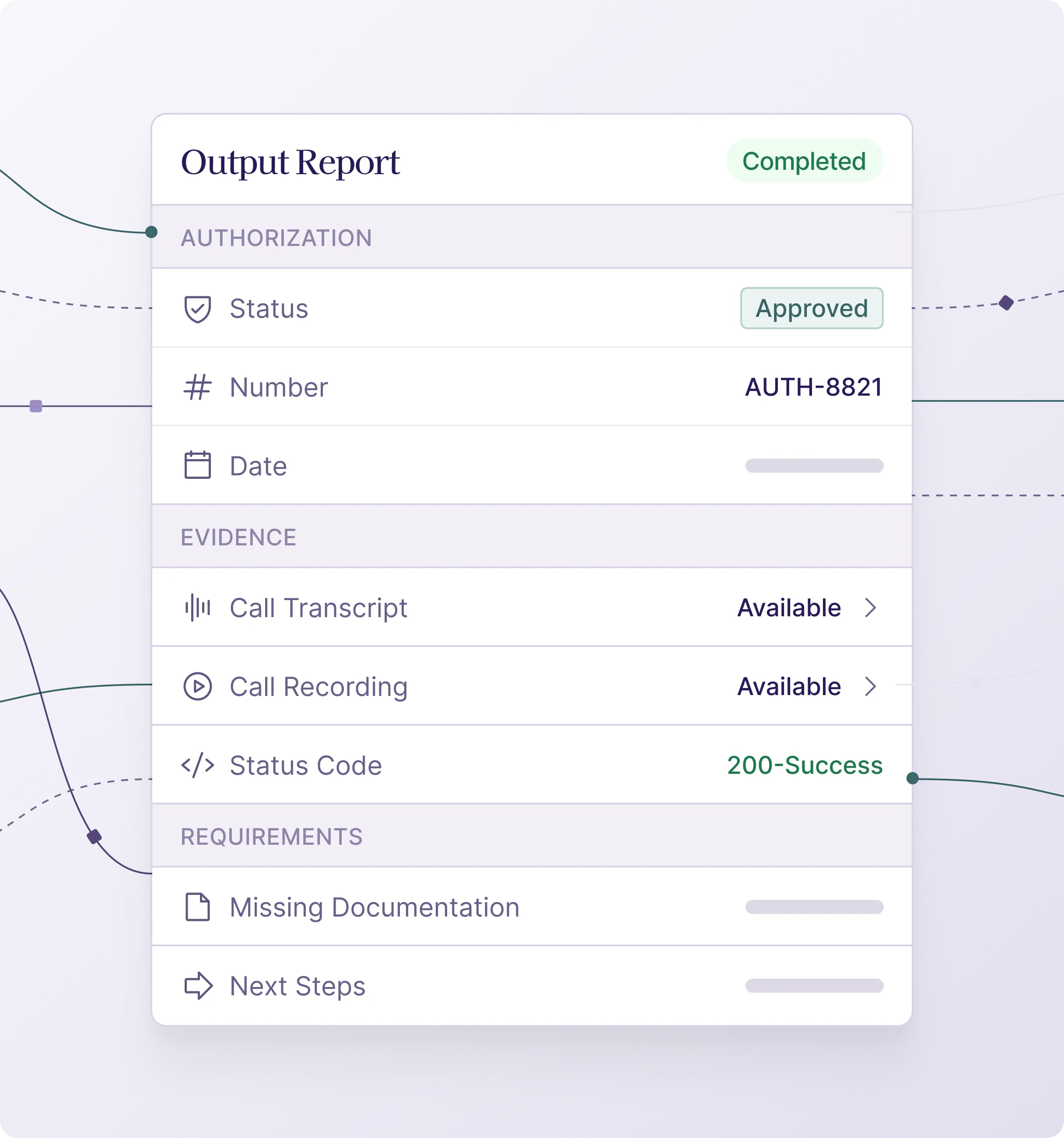
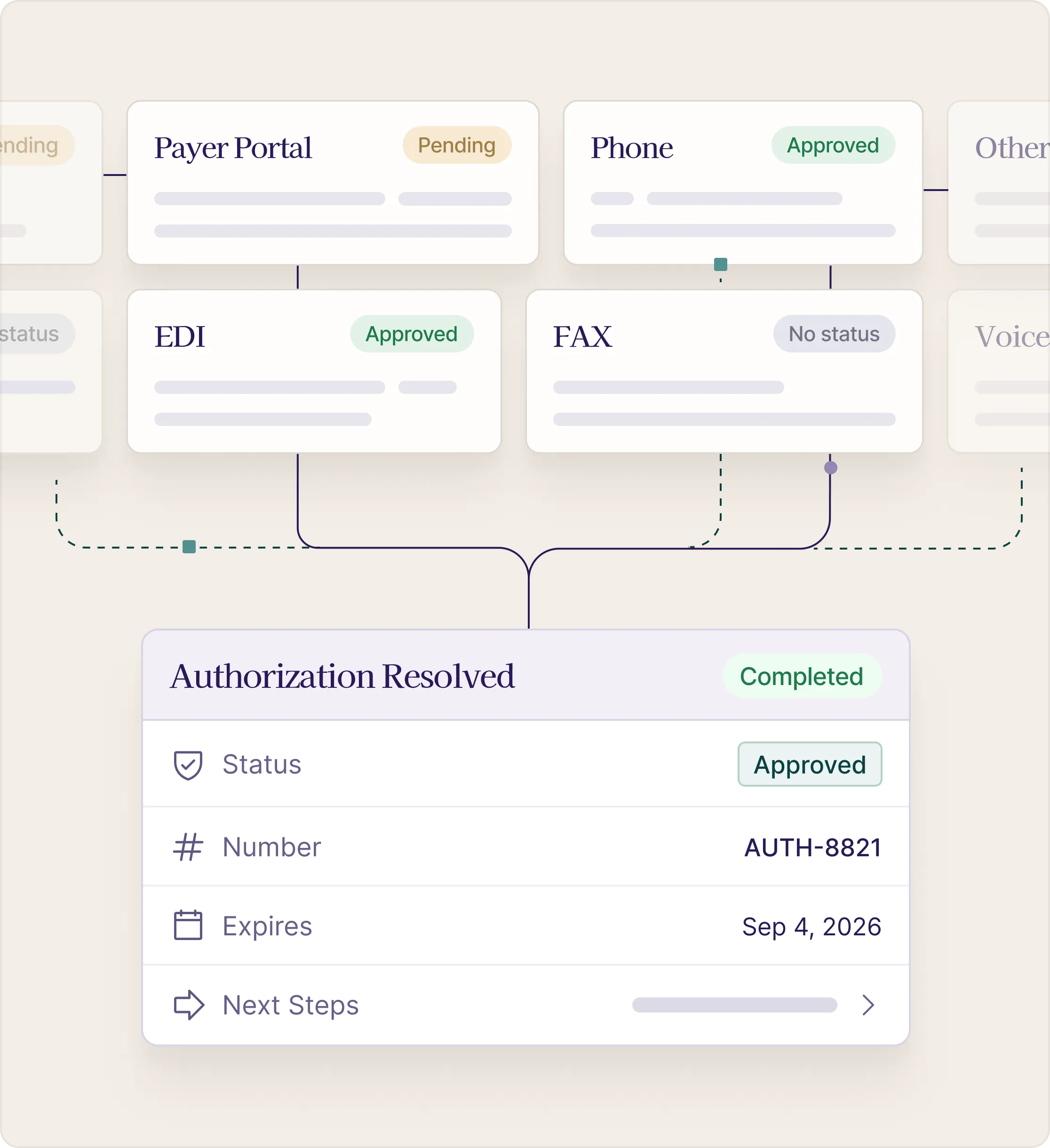
Auth status work creates delays when the answer is hard to reach.
Authorization teams often need to check multiple channels, call payers, resolve inconsistent status information, and document answers precisely. SuperDial automates the retrieval and documentation layer so teams can focus on exceptions and clinical coordination.
Authorization answers, normalized for your workflow.
Is auth required?
What is the status?
What is missing?
What happens next?
Prior authorization automation, answered
Does SuperDial check whether a prior authorization is required?
Yes. The agent confirms with the payer whether the service, code and setting need an authorization, and returns the answer with the reference number for the call.
What does a prior authorization status call return?
Authorization status, approval or reference number, approved units and valid dates, what is still missing, and the next action, as structured fields with the recording and transcript.
Can the agents get through IVRs and hold queues?
Yes. The agents navigate the IVR, wait on hold, and talk to the payer representative, then return the result.
Is SuperDial HIPAA compliant?
Yes. SuperDial is HIPAA compliant and SOC 2 Type II, and signs a BAA before any PHI is shared.
Get authorization answers back as structured data.
Define the fields your team needs and let SuperDial run the payer follow-up.
