
7 Prior Auth Automation Vendors for Provider Groups in 2026
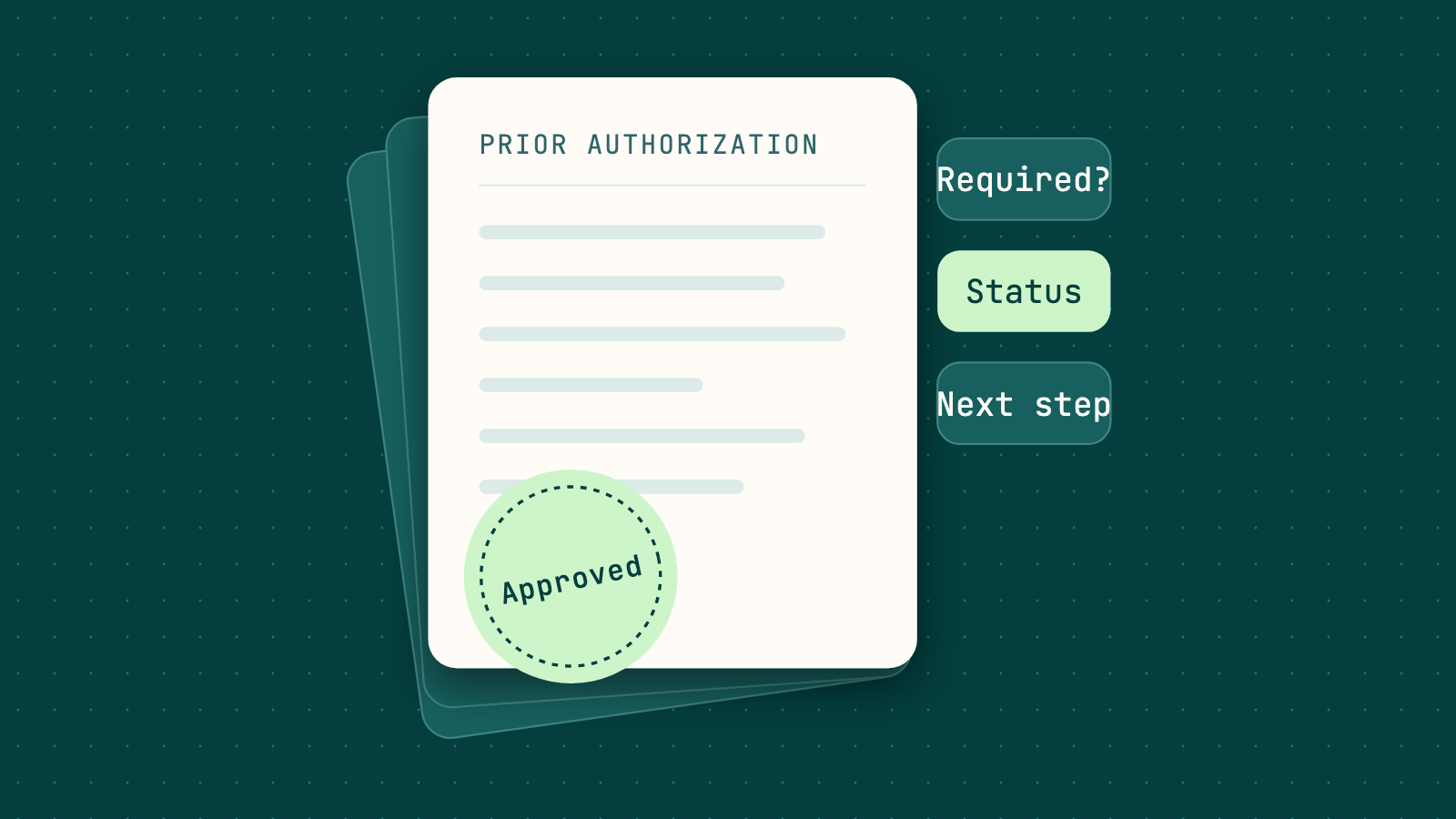
In a provider group, authorization work rarely ends when a request goes out. Someone still has to confirm whether the next service needs approval, then chase pending requests until a decision lands. The 2024 CAQH Index found providers and staff spend 24 minutes requesting an authorization by phone, fax or email, and 16 minutes through a health plan portal. As one practice in the report put it, when the portal falls short, "we call the insurance company, and that is time-consuming."
Automation can take much of that load off your team. But a status call that ends with "still pending, call back" has not moved the visit any closer. What matters is whether the result tells staff what was decided, what is missing and what to do next, in the system they already use.
This guide covers seven vendors that run prior authorization requirement checks, status follow-up or both: SuperDial, Droidal, Infinitus, Operator Labs, Prosper AI, Synthpop and VoiceCare AI. The list is not ranked. It is a shortlist for piloting against your own authorization queue.
TL;DR
- Start with the question you need answered. Some queues are mostly "is auth required?" and others "where does this request stand?" Vendors cover one or both.
- Judge the result, not the call. A useful authorization result carries the status, auth number, approved units or visits, valid dates, anything still missing and a next step.
- Delivery decides whether staff re-key anything. Look for write-back to your EHR or PMS, or at least an API, webhook or file your team can load.
- Customer outcomes give you a benchmark. CBS Medical Billing, an RCM company for orthotics and prosthetics, turned to SuperDial to cut the time its team spent on manual verifications, claim follow-ups and prior authorizations. It now runs 1,000 calls a month and saves 100+ hours a month. These are customer-reported results, not a guarantee.
- Give every vendor the same queue. Measure how many authorizations come back with a usable next action, not how many calls were placed.
How this list was selected
Every vendor here runs prior authorization requirement checks or status follow-up with payers on behalf of providers and is active today. Each also publishes product detail on four questions that decide a pilot: which authorization work it handles, what comes back, how results reach your systems and how exceptions are handled.
Prior authorization follow-up vendors at a glance
| Vendor | Authorization work | What comes back | Delivery | Exception handling |
|---|---|---|---|---|
| SuperDial | Requirement checks by service, code and setting; status tracking on submitted auths to a decision | Requirement answer with call reference number; status, auth number, approved units, valid dates, missing items, next step; recording and transcript | API, webhooks, CSV, dashboard; EHR/PMS write-back where integrated | Automation first; requests needing judgment go to the right person or team with context |
| Droidal | Requirement checks; follow-up on pending requests by API or voice | Decision, status and missing items; call log and transcript | Patient record and EHR updated with the decision; team alerted on approval | Unresolved follow-ups raised to your team |
| Infinitus | Follow-up after your team submits, including specialty medications, procedures and diagnostic tests | PA requirements, status, details and updates | API into your system of record, or the Infinitus Portal | Calls can escalate to a human operator |
| Operator Labs | Status follow-up calls on a defined cadence | Status updates; auth number and effective dates on approval | Bidirectional EHR/PM write-back; REST API | Customer-set routing rules and escalation thresholds |
| Prosper AI | Requirement checks and status tracking through portals and calls | Approvals, denials and call details; transcripts | EHR or system of record | Ambiguous or failed calls routed to staff with transcript and confidence score |
| Synthpop | Code-level authorization requirement checks, API first, then portal, then phone | Structured code-level result; call and confirmation IDs; transcript; attempt log | Written back to your PM, EHR or billing system; exportable records | Unresolved cases handed to your team with transcript and reference numbers |
| VoiceCare AI | Status tracking alongside benefits and claims work | Recorded, transcribed, structured payer responses; audit-ready logs | Read and write to your EHR | Complex or ambiguous cases routed to human review |
Vendor profiles: 1 through 7
Each profile answers the same four questions.
1. SuperDial: Requirement checks and status tracking for provider groups
SuperDial's provider group offering automates payer communication for authorization, billing and credentialing teams. On the prior authorization workflow, the agent confirms with the payer whether a service, code and setting need an authorization and returns the answer with the call's reference number. Once your team submits a request, SuperDial tracks it through to a decision.
Status checks use structured channels and payer portals first, and the voice agent calls when the status only exists on the phone. On a call it navigates the IVR, waits on hold and asks the representative for the status, authorization number, approved units, valid dates and anything still missing. When the payer needs more, the result names the document, form or submission path and the payer contact path, along with a summary, next action, recording and transcript.
Requests arrive by CSV, API or work queue export. Results return through the API and webhooks, as a CSV, in the SuperDial dashboard, or written back to your EHR or PMS where an integration is in place. SuperDial's rule is "Automation first. Human judgment second." When a request needs judgment, is missing a critical input or needs payer escalation, it goes to the right person or team with what was tried, what was captured, what is missing and the recommended next step.
2. Droidal: Authorization follow-up connected to the EHR
Droidal works with medical practices and multispecialty groups. Its agent can be configured for specialty rules such as cardiology and PT. It reviews the requested service and plan to determine whether authorization is required, then monitors pending requests through payer APIs or voice AI. On calls, the agent checks status and chases missing items, logging the call and transcript to the patient record. Approved decisions update your EHR and alert your team. Follow-ups that do not succeed are raised to your team.
3. Infinitus: Follow-up after your team submits
Infinitus serves pharma and life sciences, payors and providers. Its prior authorization offering picks up after your team submits a request. Its voice AI agents call the payor to capture PA requirements, status, details and updates for specialty medications, procedures and diagnostic tests. Each engagement matches your PA data requirements to a recommended call flow. Customers view the results in their system of record through an API integration or in the Infinitus Portal. Calls can escalate to a human operator when needed.
4. Operator Labs: Cadence-based status calls
Operator Labs serves regional health systems, rural hospitals, specialty consolidators and PE-backed platforms. Its prior authorization follow-up calls payers on a defined cadence to check status and log updates. On approval, the agent captures the auth number and effective dates. EHR and PM integration reads context before each call and writes outcomes back. Queue management keeps routing rules and escalation thresholds under your control.
5. Prosper AI: Authorization work alongside patient access
Prosper AI serves outpatient groups and health systems with agents for patient-facing and payer-facing work. Its authorization agents call payers to check whether prior authorization is required and to track existing requests. They navigate decision trees and speak with representatives. Prosper also chases decisions on payer portals and routes approvals and denials to the right person. Details are entered back into your EHR or system of record. Ambiguous or failed calls are flagged and routed to staff with a full transcript and confidence score.
6. Synthpop: Code-level requirement checks, API first
Synthpop automates administrative work across the patient journey, from referral intake to coverage checks, and lists a national sleep-care deployment among its examples. Its payor agent verifies authorization requirements at the code level, trying the API first, then the payor portal, then a phone call. Each check ends in a structured result with call or confirmation IDs when the payor provides them, a transcript for phone verifications and a log of every attempt. Results are written back to your PM, EHR or billing system. Cases a payor will not resolve go to your team with the transcript and reference numbers.
7. VoiceCare AI: Status tracking within a broader revenue cycle agent
VoiceCare AI serves specialist medical groups, dental groups and DSOs, RCM enterprises and health systems. Its agent, Joy, works prior authorization alongside benefits verification and claims, and its FAQ highlights frequent status tracking so authorizations do not sit idle. Joy captures payer responses as recorded, transcribed and structured data, with every action logged for audit. It reads from and writes to your EHR. When Joy meets a complex or ambiguous case, it routes it to human review rather than guessing.
How to choose a prior authorization vendor for your group
Pull a sample of last month's authorization work before you talk to anyone. Sort it into requirement questions, pending requests and requests the payer sent back for more information. That mix tells you which capabilities deserve the most weight. Our guide to checking prior authorization status shows what a complete answer looks like.
If most of your questions are "is auth required?"
Requirement checks live or die on specificity. Send each vendor the same codes, settings and plans. Then ask whether the answer arrives alone or with a reference number and the payer's stated submission path. Without one, your team has nothing to point to if the payer later disagrees.
If submitted requests sit pending for days
Ask how often each platform rechecks, which channel it tries first and when it moves to a phone call. Then ask what an approval looks like on arrival: auth number, approved units and valid dates should land in fields, not a free-text note.
If your group runs on more than one EHR or PM system
MSOs and growing specialty groups often inherit several systems. Ask each vendor to show one real result landing in each system you use, and to name the fallback (API, webhook or CSV) where write-back is not ready yet. Our walkthrough on automating prior authorization phone calls with payers covers the inputs a clean handoff needs.
If payers keep asking for more information
A "missing info" status is only useful if it says what is missing. Check whether the result names the document, clinical detail or form, and which payer department wants it. Then check whether staff can pick up an unfinished request without repeating the call.
How to score the pilot
Run the same authorization batch through every vendor you shortlist. Count the authorizations that come back with a usable next action, check required fields for completeness and review how exceptions arrive. Then divide total cost by the number of authorizations your team could act on without another call. A cheap status check costs more than it looks if staff still chase the hard ones.
Frequently asked questions
Can SuperDial follow up on authorizations we sent through a portal?
Yes. Once a request is submitted, SuperDial tracks it to a decision, checking structured channels and portals first and calling when the status only exists on the phone. The result comes back in the same format whichever channel answers.
What happens when the payer needs more information?
SuperDial returns what is missing, such as a document, clinical detail, form or submission path, along with the payer department or contact path and the next step. Your team knows what to send and where without another call.
What if the payer cannot give a complete answer?
The authorization comes back to your team as an exception, with a summary of what happened and the recommended next action. The FAQ lists common reasons, such as a payer that only releases status through its portal or a representative who will not share it. Requests with a wrong member ID or NPI come back flagged as input errors you can fix and resubmit.
What security should we confirm before sharing PHI?
Ask for a signed BAA, current SOC 2 Type II or HITRUST documentation and controls such as role-based access and scoped permissions. SuperDial states that it is HIPAA compliant, SOC 2 Type II attested and HITRUST e1 certified, and it signs a BAA before any PHI is exchanged.
Interested in evaluating SuperDial?
A practical starting point is a pilot on one real authorization follow-up queue, sent as a CSV or through the API. Use it to validate the output fields, next actions and exceptions before expanding into webhooks and write-back. You can book a SuperDial demo to scope that pilot with your team.
Run a pilot on a real workflow.
Bring a representative batch, define the output schema, and validate ROI with your payer mix in 30 to 90 days.
